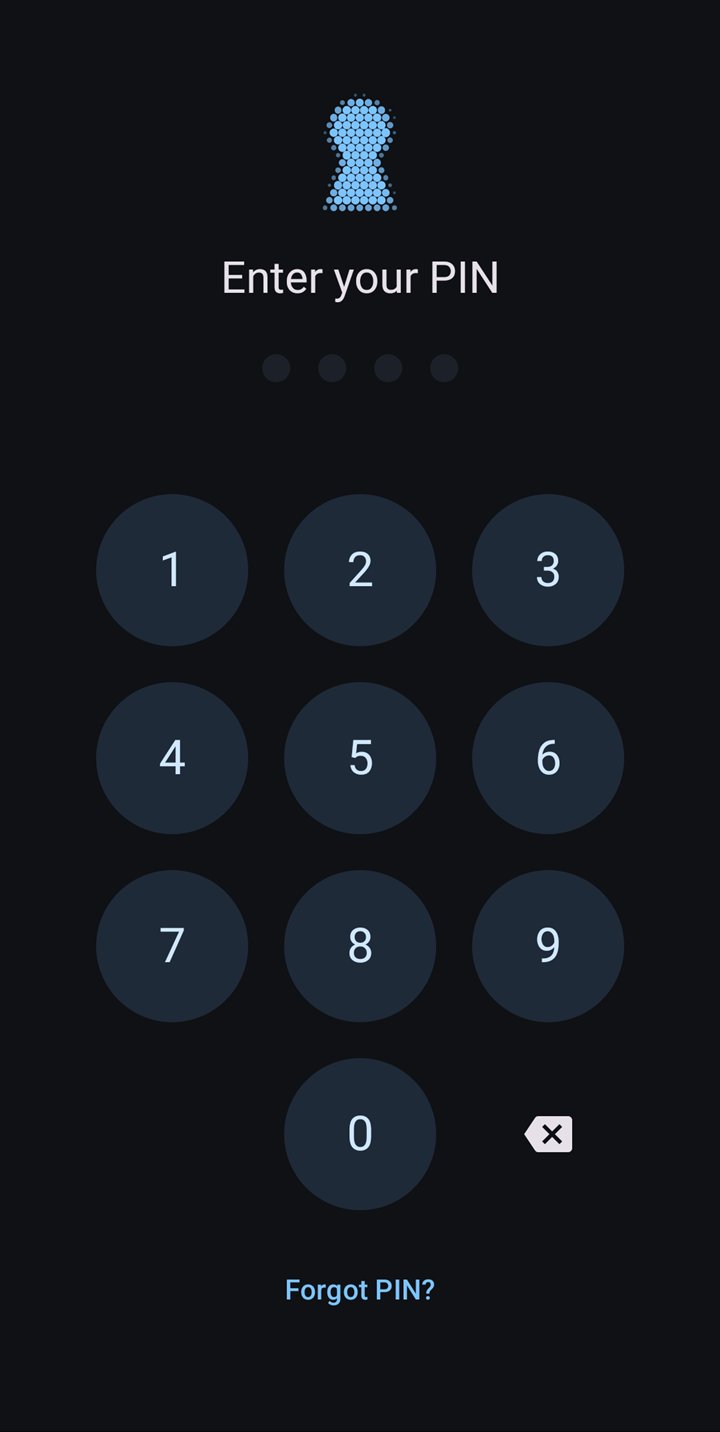
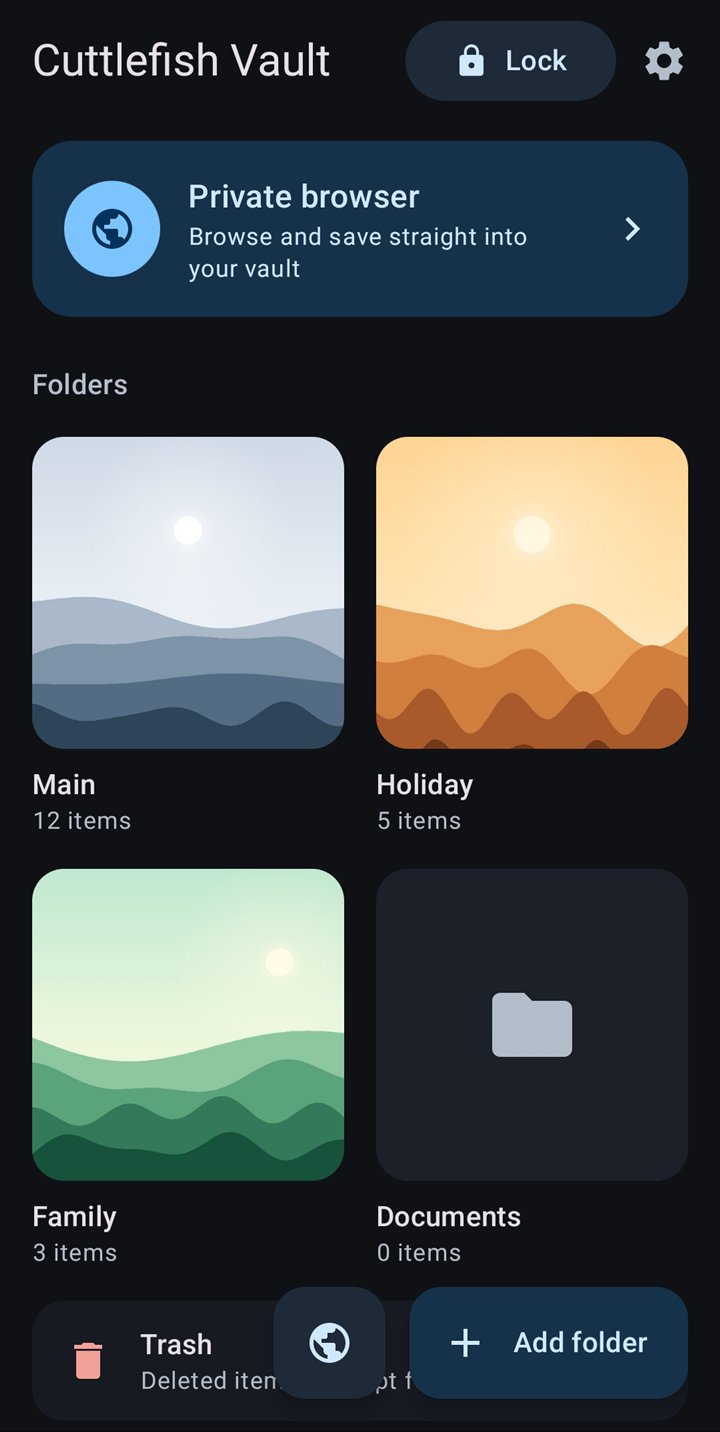

Fingerprint and face unlock
Open the vault with the biometrics your phone already has.
Cuttlefish Vault hides the photos, videos and files you'd rather keep to yourself. Everything in it is encrypted on your phone, and none of it is uploaded anywhere.
Free, with no ads. No account or sign-up.
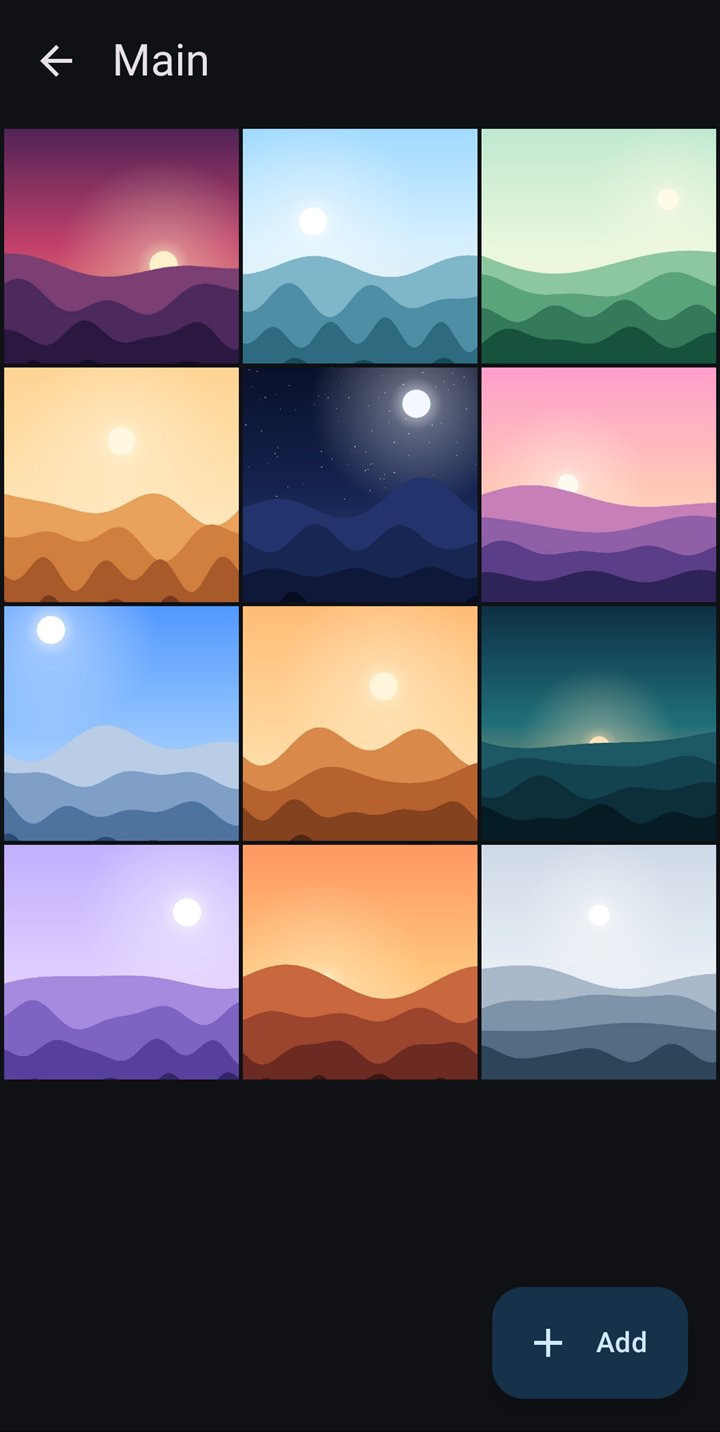
Hide
Pick the photos and videos you want hidden. The app encrypts them into a folder, then offers to remove the originals from your gallery so they aren't sitting in two places.
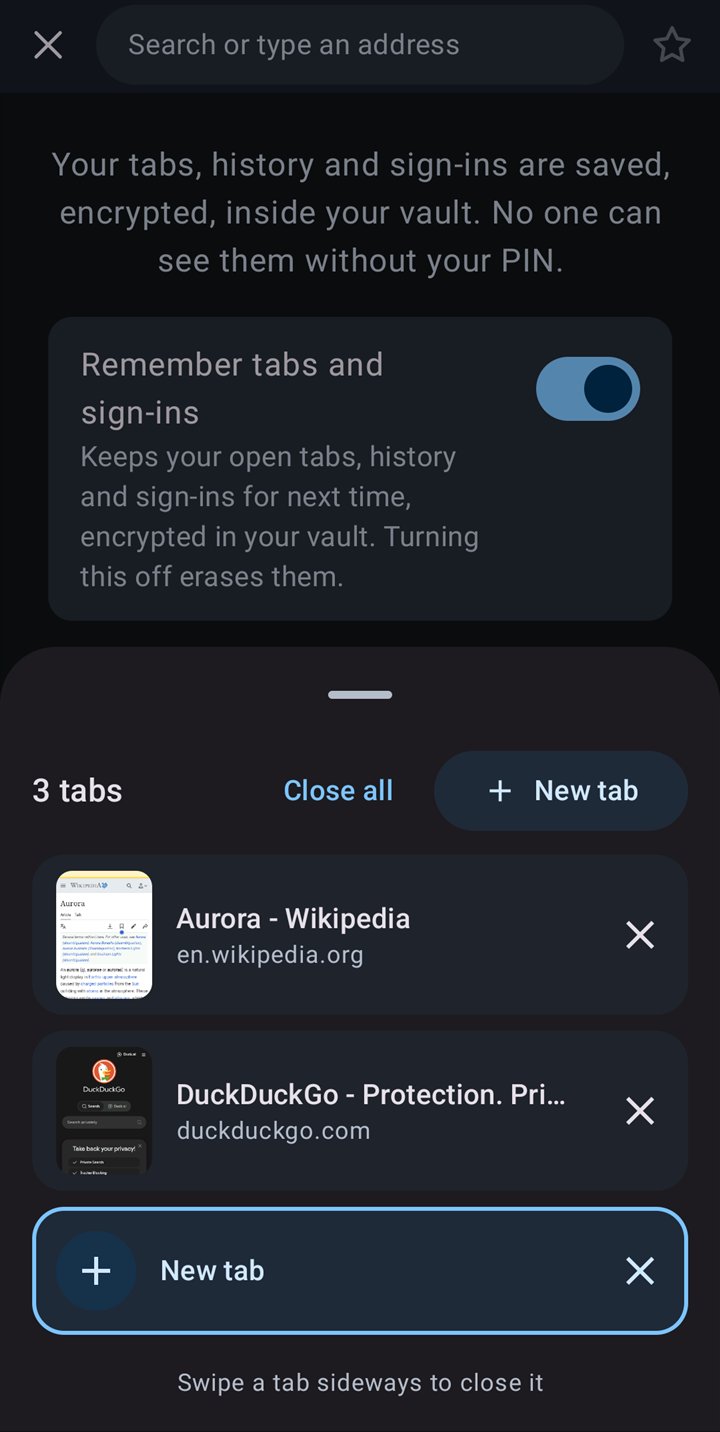
Browse
Your tabs, history and sign-ins are saved encrypted with everything else, so you can pick up where you left off and nobody else can. If you'd rather it kept nothing at all, there's a switch for that.
Stay discreet
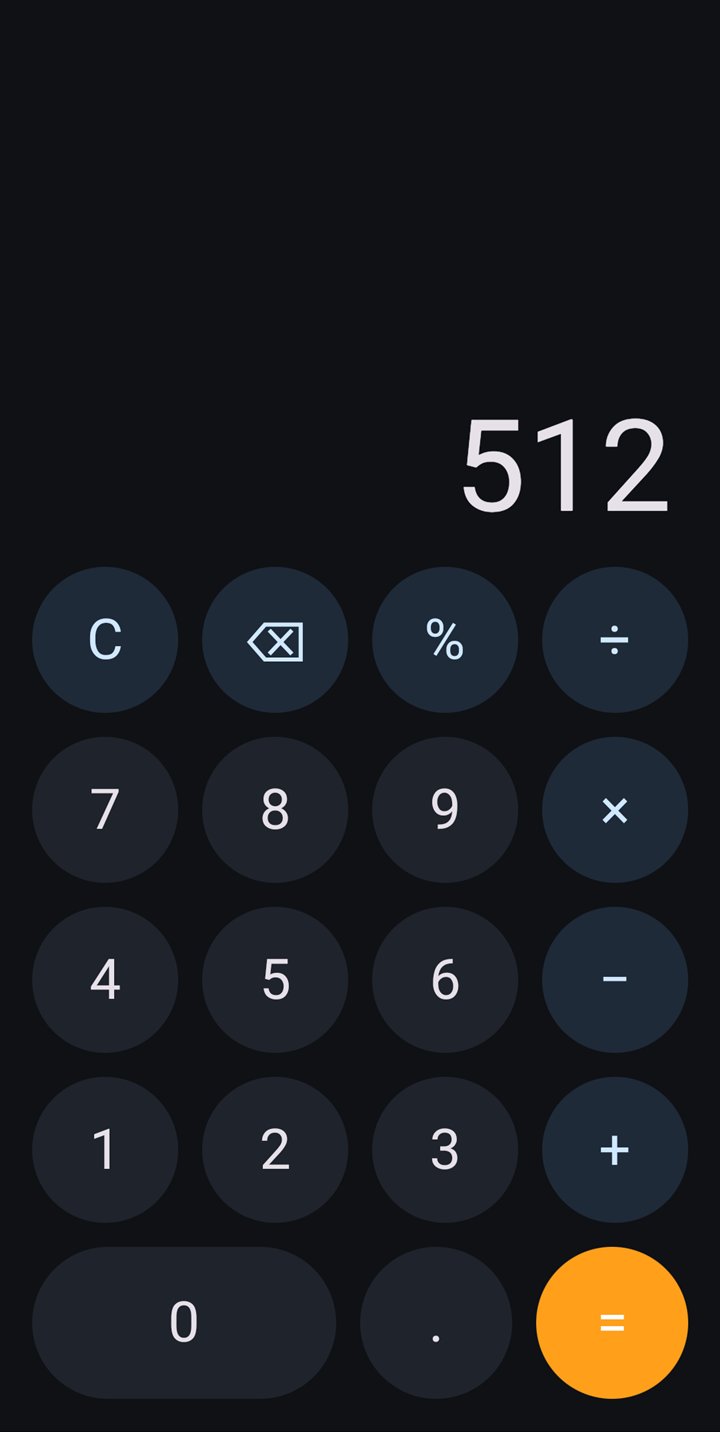
A cuttlefish hides by changing to look like whatever is around it, which is where the name comes from. Switch on the calculator disguise and the app opens as a working calculator, with a calculator's icon and name. Type your PIN and the vault opens; type anything else and it just does the sum.
Unlock
Set a PIN once, then unlock with whatever your phone already uses. Android does the check itself, so the app never sees your fingerprint or face. It only hears whether they matched.
The big pieces are above. These are the smaller things that make it nicer to live with, and a few you'll only appreciate the day someone else picks up your phone.
Open the vault with the biometrics your phone already has.
A second PIN opens a separate vault with harmless things in it.
A wrong PIN gets a front-camera photo, and you see when it happened.
It opens as a working calculator. Type your PIN and the vault opens.
Put the phone face down on a table and the vault locks at once.
Screenshots are blocked and the recent-apps preview stays blank.
Take photos inside the vault, so they never land in your gallery.
Videos play inside the app and decrypt as they play. Loop a clip or scrub through it.
Swipe through photos and videos in one viewer, and pinch to zoom.
Read documents in the vault without opening another app.
Sort photos, videos and files into folders of your own.
Send photos and files to the vault from any app's share menu.
Export from your old app and this one finds and gathers what you exported.
Tabs and sign-ins are saved encrypted, so you pick up where you left off.
Forgot your PIN? Reset it with your recovery key or a security question.
Back up the whole vault to one encrypted file and restore it on a new phone.
In English, Afrikaans, Spanish, Hindi, Japanese and ten more.
No sign-up and no server. The vault works without an internet connection.
A vault is only worth using if the encryption is real and you can get your files back out. Here is how Cuttlefish Vault handles both.
Every file is encrypted separately, and thumbnails are too. Nothing in the vault is stored in the clear.
The key that opens the vault is protected by your phone's secure hardware, and wrong guesses are slowed down.
The app never writes an unlocked copy to disk, however long the video is. Loop a clip or scrub through it as usual.
Export the whole vault to a single encrypted file, keep it wherever you like, and restore it on a new phone with your recovery key.
Deleted the wrong thing? It waits in the trash for a month before it is gone for good.
One tap verifies that every file in the vault is intact, so you find out about a problem before you need the file.
Yes. Every feature is included, and there are no ads and no subscription.
Only on your phone, encrypted. There is no account and no server, so nothing you hide is ever uploaded.
Yes. Turn on biometric unlock in Settings and use your fingerprint, or your face on phones where Android rates face unlock as secure. Your PIN always works as well.
Reset it with the recovery key the app shows you when you set it up, or with your security question if you added one. Without either, nobody can open the vault, including us.
Yes. Switch the app icon to Calculator in Settings. It then opens as a working calculator, and typing your PIN opens the vault.
Back it up to a single encrypted file in Settings, copy that file to the new phone, and restore it there with your recovery key.
Yes. Export them from the other app, then come back: Cuttlefish Vault finds what just appeared in your gallery and moves it into the vault.
Not yet. Cuttlefish Vault is on Android first.

Every feature is included, with no adverts and no subscription. There is no sign-up either, and the app has no server to send your files to. The flip side is that nobody can reset your PIN for you, so keep the recovery key it shows you when you set up.